 Dolaima
Dolaima
A Chinese-first coding agent · Vibe Coding Agent
Say what you want changed — it reads your files, edits the code, runs the program and fixes what breaks.
SCROLL
One game, five platforms
The same small BASIC program (examples/basic/gorilla_pro.bas) on the same VML virtual
machine — phone, tablet and desktop each compile and run it themselves, with not one line of source changed.
Every picture below was actually taken on that platform.
Note: BASIC is one of the 27 languages in the Full Edition; the free edition covers the editor, C and VML assembly. So this game needs the Full Edition unlocked — these screenshots are not what the free edition can render.
And all of these
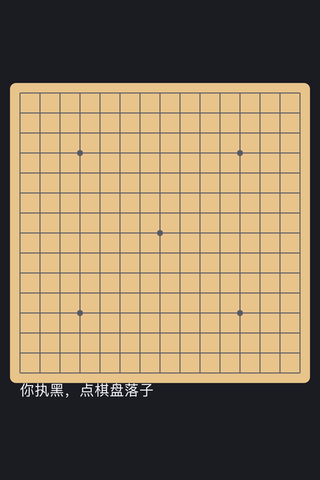
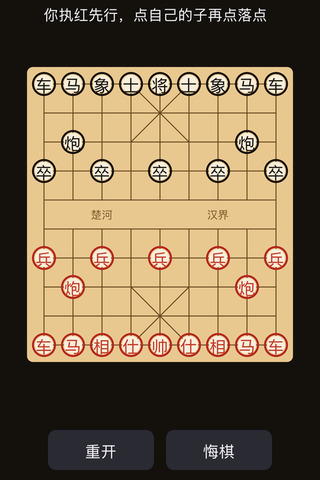
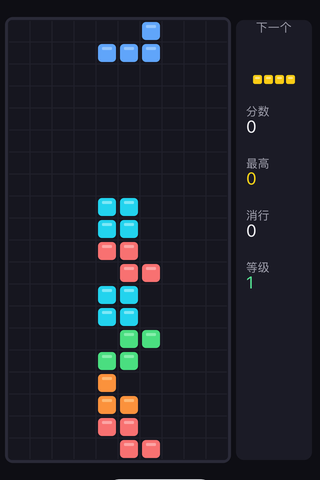
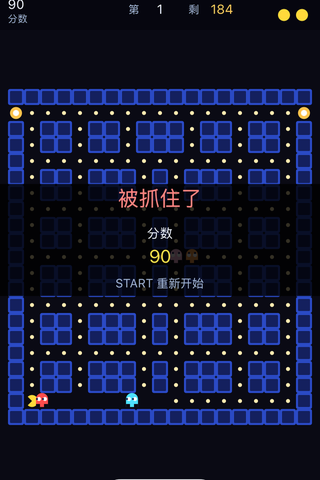
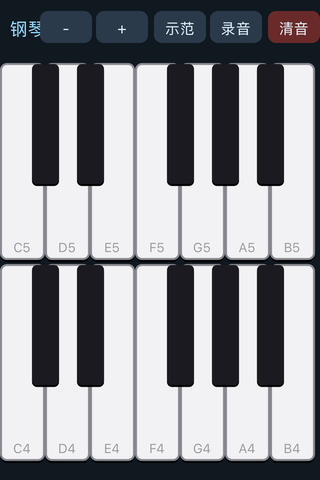
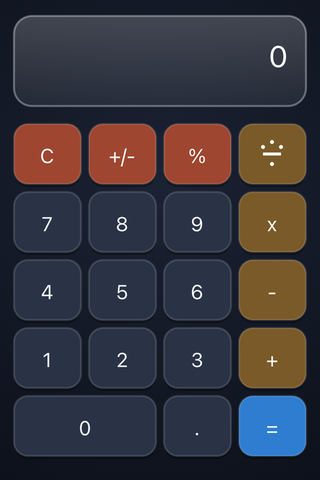
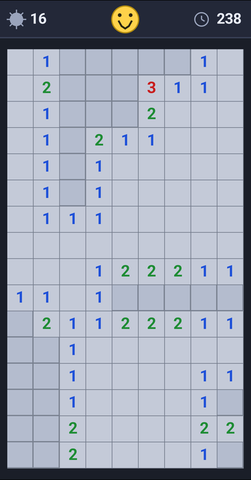
The same VM, the same phone — every picture below was compiled and run on the device. The sources live under examples/.


What it looks like
Phone and tablet run the same UI: the editor, compile-and-run and the same agent. Tap a thumbnail below to switch.
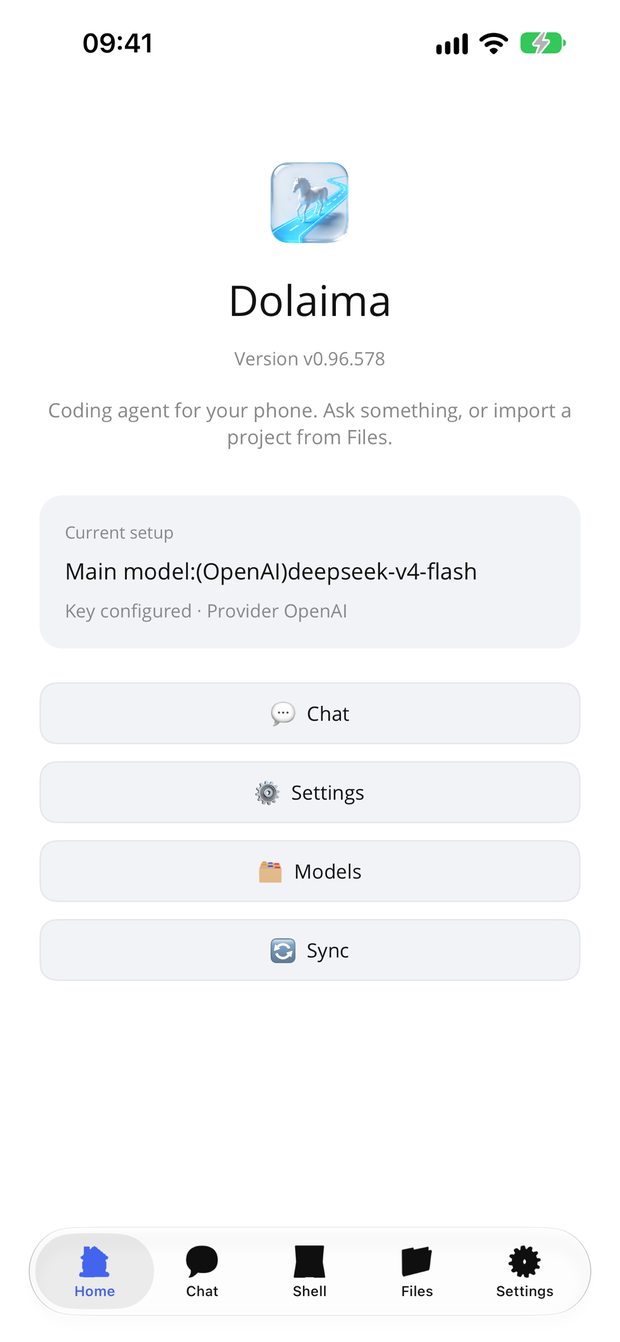
Home · the entry point
Five tabs along the bottom: Home, Chat, Shell, Files, Settings. Home shows which model is in use and whether a key is configured — you do not have to dig through settings to find out.
Chat · the agent
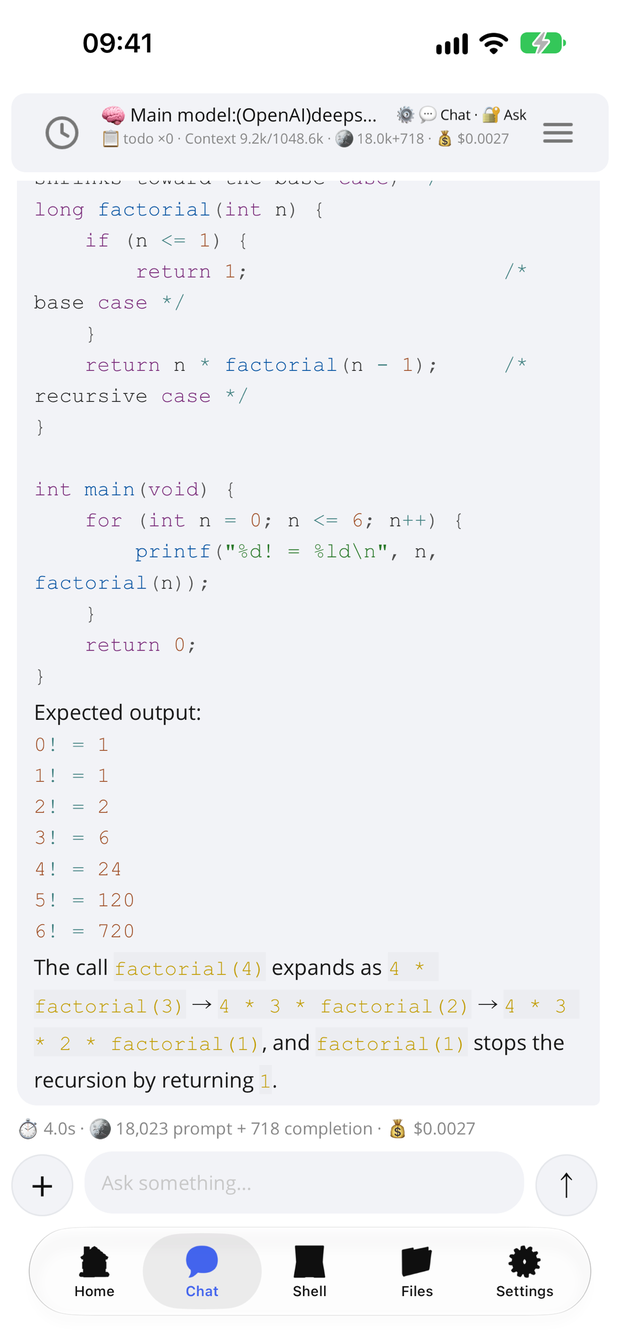
Say what you want changed and it reads files, edits code, runs the program, reads the errors and fixes them. Under each reply sits that turn's token count and cost, plus the current work mode and permission level.
Shell · compile and run
Type a shell command and press Run. Compiling and running both happen on the device — nothing is downloaded, no executable code included.
Files · your workspace
Create files and folders, import, or tap one to edit it. The bundled examples folder is
sorted by language, ready to compile and run the moment you install.
Editor · syntax highlighting
Line numbers, syntax highlighting, search and a full toolbar; the status bar shows encoding, read/write state, lines, size and cursor position. Edit, then press run to compile.
The bottom panel has five pages: Problems, Output, Find, Outline and AI. Outline lists the current file's functions and types with their parameters and return types; the AI page talks about the whole file and shows a diff before anything is written.
Settings · everything in one place
Model and key, parameters (context length, temperature, budget, economy mode), the permission level, storage location, editor, speech, the virtual machine, compiler options, the in-app purchase and about — all on one page.
The bundled examples
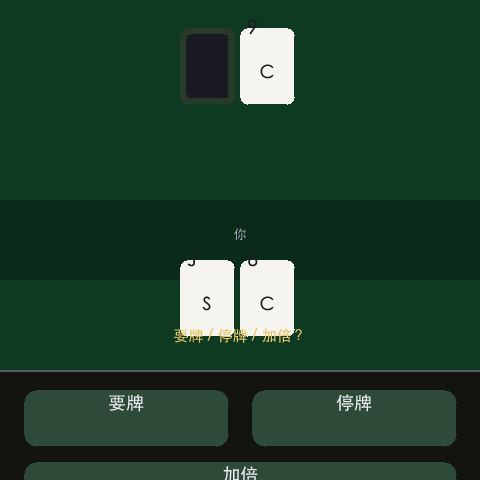
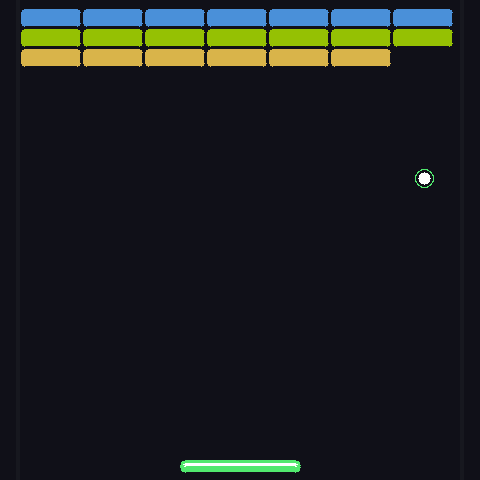
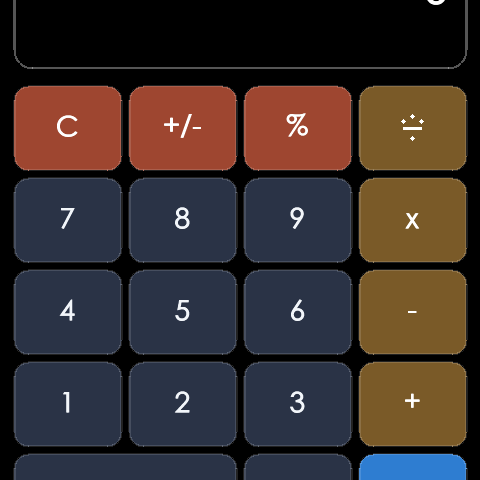
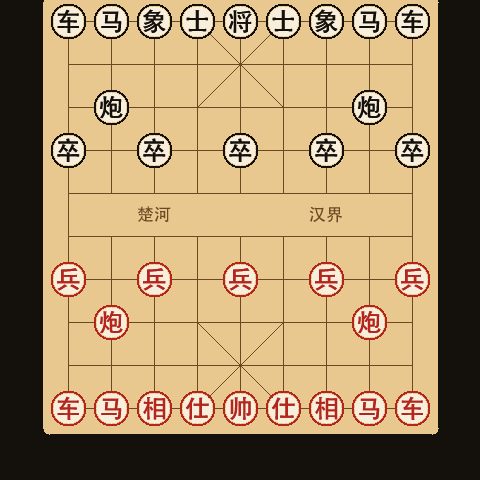
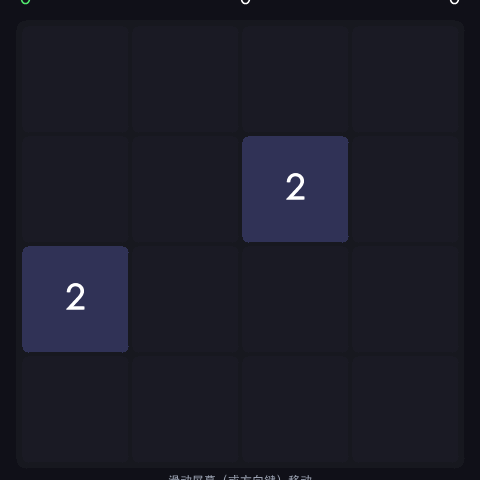
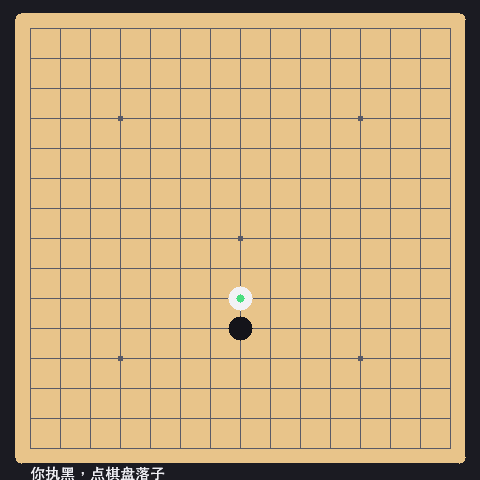
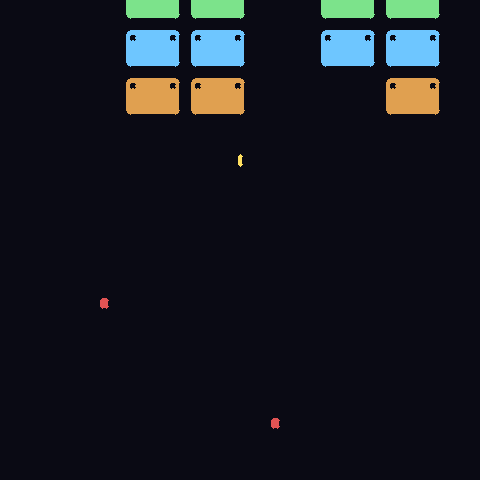
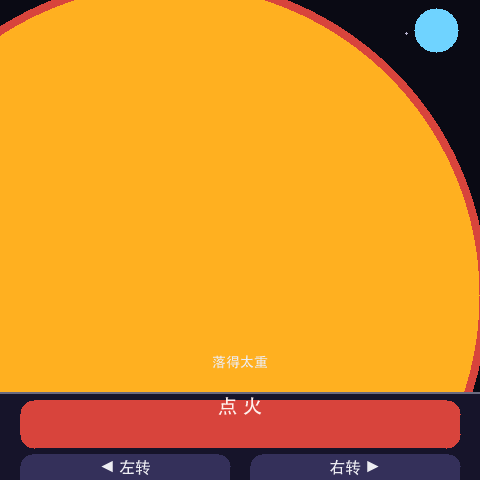
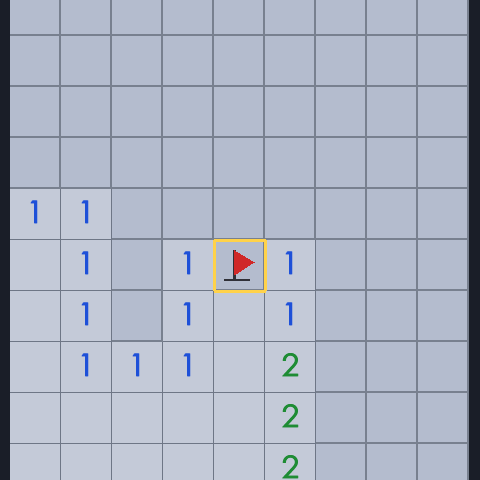
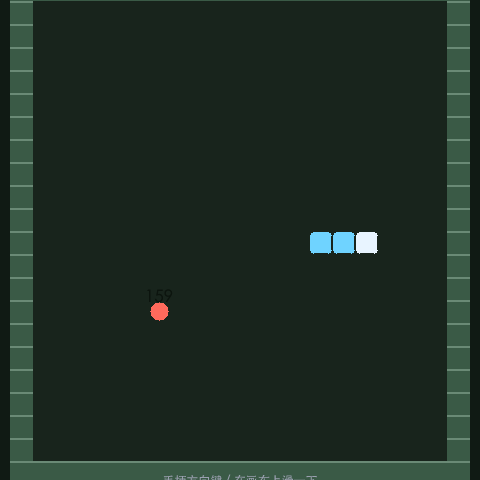
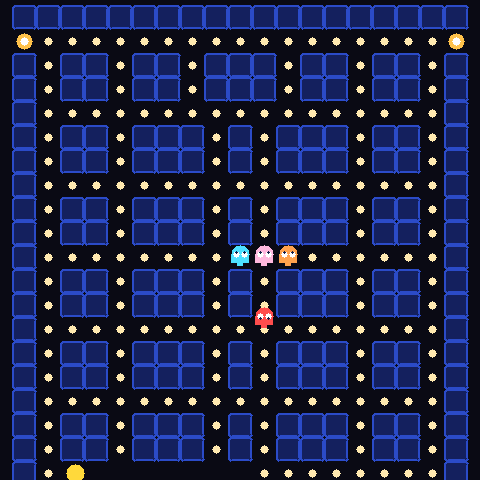
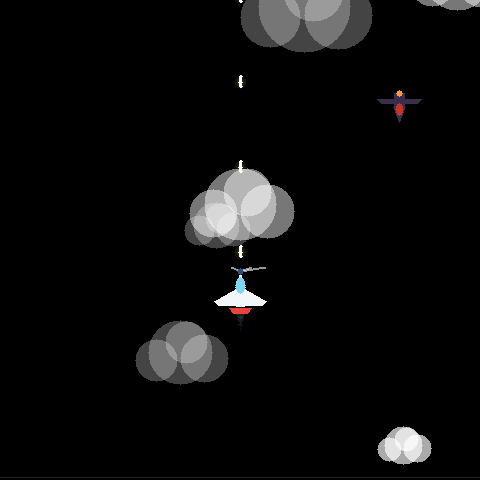
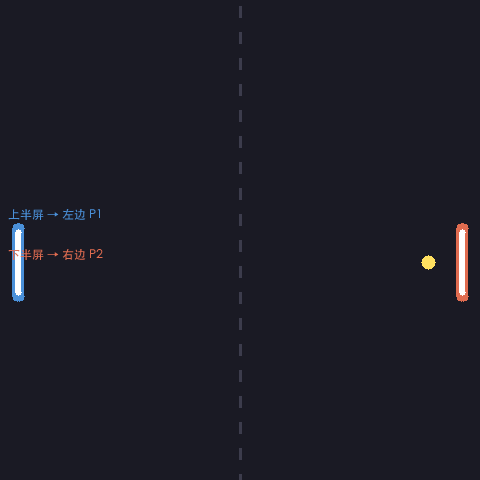
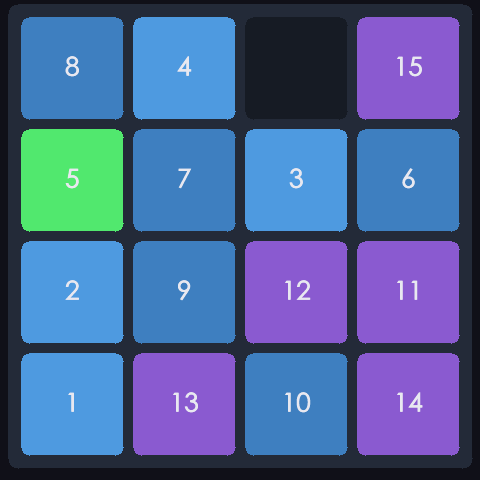
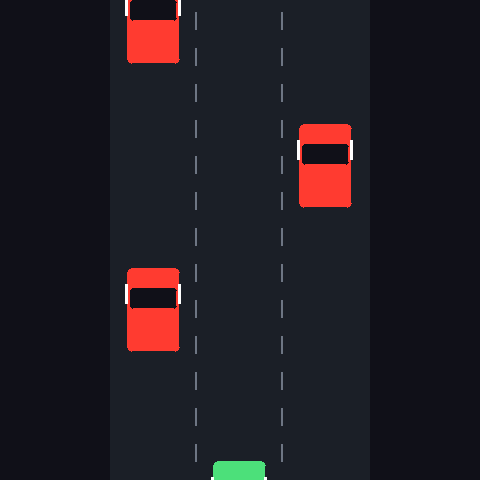
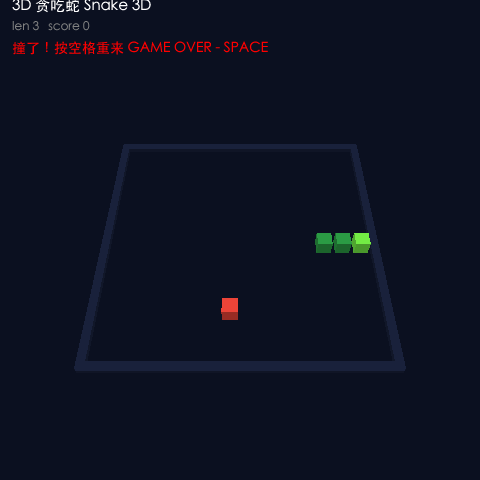
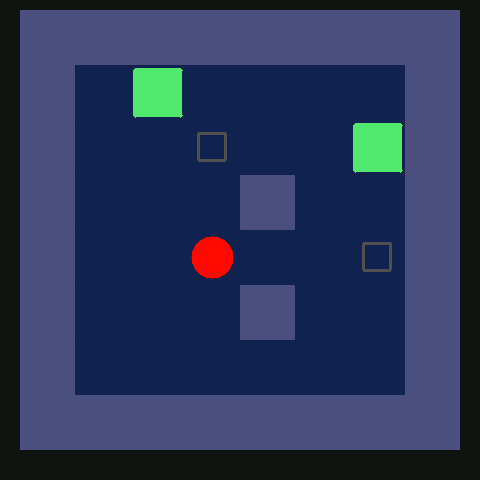
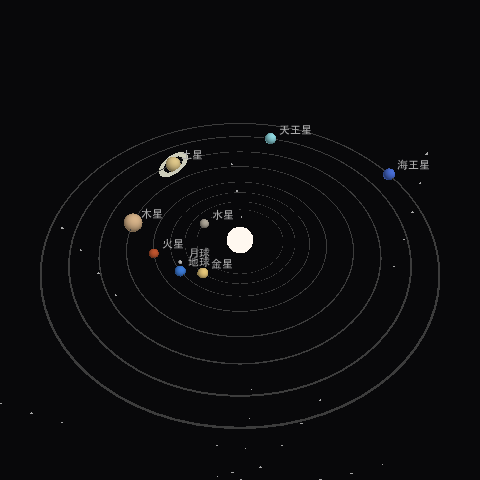
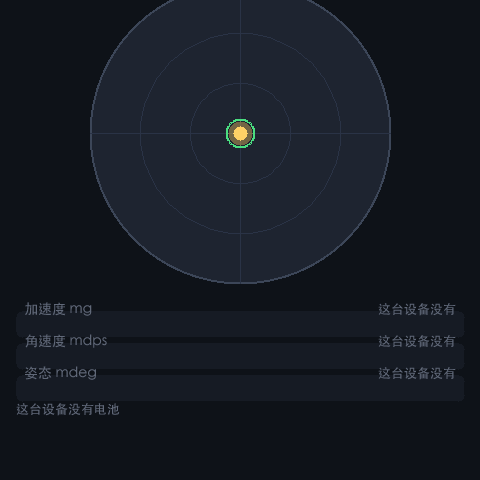
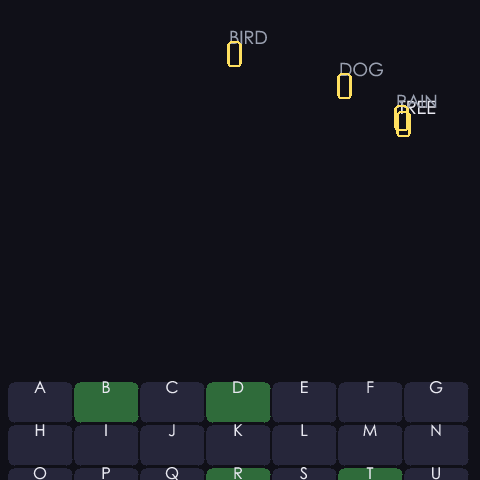
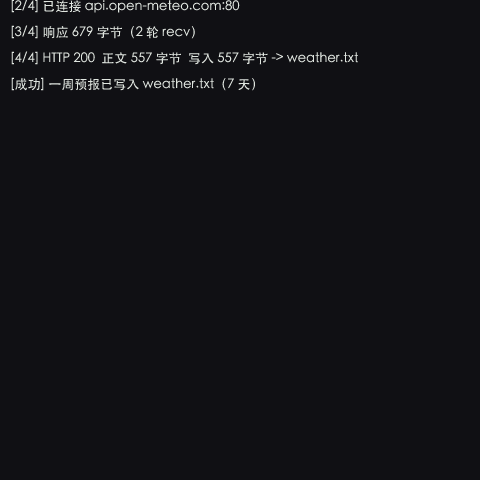
44 example programs that ship with an icon — games, tools, graphics demos. Each runs on your phone with vml run; the icon is the one the program itself carries.




















One VM, 27 languages
The bundle carries the VML virtual machine, an assembler, 27 language front ends and 18 backend translators — C, C++, Python, Go, Rust, BASIC, Pascal, Lua and more all compile to its own bytecode.
That is how the sample programs and small games on the phone are built. All 27 languages compile to the same backend, sharing one runtime and one drawing interface.
Compile and run, locally
The compiler ships inside the app: no network, no SDK, no system compiler to install first. Unpack it and build one of the samples.
The same holds on a phone — workspace, editor and compile-and-run all live on the device, and no executable code is ever downloaded.
→ vml run primes.c
✔ Compiled: primes.c in 7.7 s
[phase] link 7.7s (80 library modules, 69,873 instructions)
46 primes below 200
2  3  5  7  11  13  17  19  23  29
31  37  41  43  47  53  59  61  67  71
An outline and an AI in the editor
The editor's bottom panel has five pages: Problems, Output, Find, Outline and AI. Outline lists the functions and types in the current file, each with its parameter list and return type; tap one to jump to that line, with the same syntax colours as the code.
The AI page chats about the whole file: Ask only answers, Edit returns a complete rewritten file and shows a diff line by line — nothing is written until you tap Apply, and one step undoes it. Each file keeps its own conversation, and Stop is one tap away while it works.
Problems  Output  Find   Outline  AI

ƒ add(int a, int b) → int      L12
ƒ main() → int                 L28
Color                          L41
Terminal, web or graphical
The default is a full-screen ANSI terminal UI; you can also drive it from a browser, from plain CLI in a script, or open the graphical UI. All five front ends share the same agent and the same config.
And there is watch mode: it watches files for AI! comments and acts on them.
# Full-screen terminal UI (default)
waycoder

# Web UI in your browser
waycoder --web

# Plain CLI (scripts / CI)
waycoder --cli

# Graphical UI
waycoder --gui

# One-shot task
waycoder -p "collect every TODO under src into a single list"

# Watch files for AI! comments and act on them
waycoder --watch
49 built-in tools
Read and write files, edit, search, Git, LSP navigation, background jobs, web fetch, memory, todos, batch runs across repositories — and when a job is big enough it splits the work out to sub-agents running in their own workspaces.
Permissions, sandbox and cost all stay visible: you can look before anything on your machine is touched.
Your key, no proxy
Point it at your own provider (DeepSeek, OpenAI, Anthropic, Gemini, Ollama…) and you are billed by that provider directly.
We do not resell, proxy or collect your conversations. Configuration stays on your own machine.
There is no server of ours in the middle.
Go deeper into VML
VML is the virtual machine and compiler toolchain bundled with Dolaima. It covers five kinds of programs — stdio, colour TTY, classic BGI graphics, cross-platform UI and cross-platform 3D — each with complete, readable, runnable examples (including the solar-system one).
Free to download, pay only to unlock
The editor and compile-and-run for C and VML assembly are free. The Full edition is a one-time purchase (not a subscription) that unlocks the compiler and the optimizer for all 27 languages. Desktop builds are portable — unpack and run.
Current version: — Configure a model API key on first run — see the guide.